Skin Analysis Software Data Privacy: Clinic Guide
Skin analysis software data privacy starts with knowing where images go, why they are used, who can access them, and how each copy is removed....
For the skin analyzer vs app decision, choose a fixed imaging setup when you need repeat clinic photos with the same light and pose. Choose a skin analysis app with studies that support the remote skin checks you need.
Better photo steps can matter more than a screen full of scores. Both choices can use AI skin analysis, so the AI label won’t tell you which to buy. You need to know what goes in and what the scores mean.
Fictional buyer example: Maya Chen plans to open a two-room med spa in January. They shortlist a professional skin analyzer and a phone tool, then ask each seller to take one photo, move the subject, and try again. The request changes their skin analyzer vs app shortlist: they keep the options that let staff review the original photos and explain each score.
That is a practical starting point when every demo looks convincing. This guide compares capture methods, published evidence, daily use, and ownership costs. You’ll also get a trial checklist to test each option against the work your clinic needs to do.
Key Takeaways
- A normal selfie does not supply the UV and polarized photos that certain fixed camera systems can take.
- One 50-person study reported 67.7% agreement between two systems; agreement is not proof of correct diagnosis or proof that all apps match hardware.
- Keep the same photo method and score type to track change; raw scores and screen scores can mean different things.
- Test repeat captures, data export, staff time, and written software terms before choosing either route.
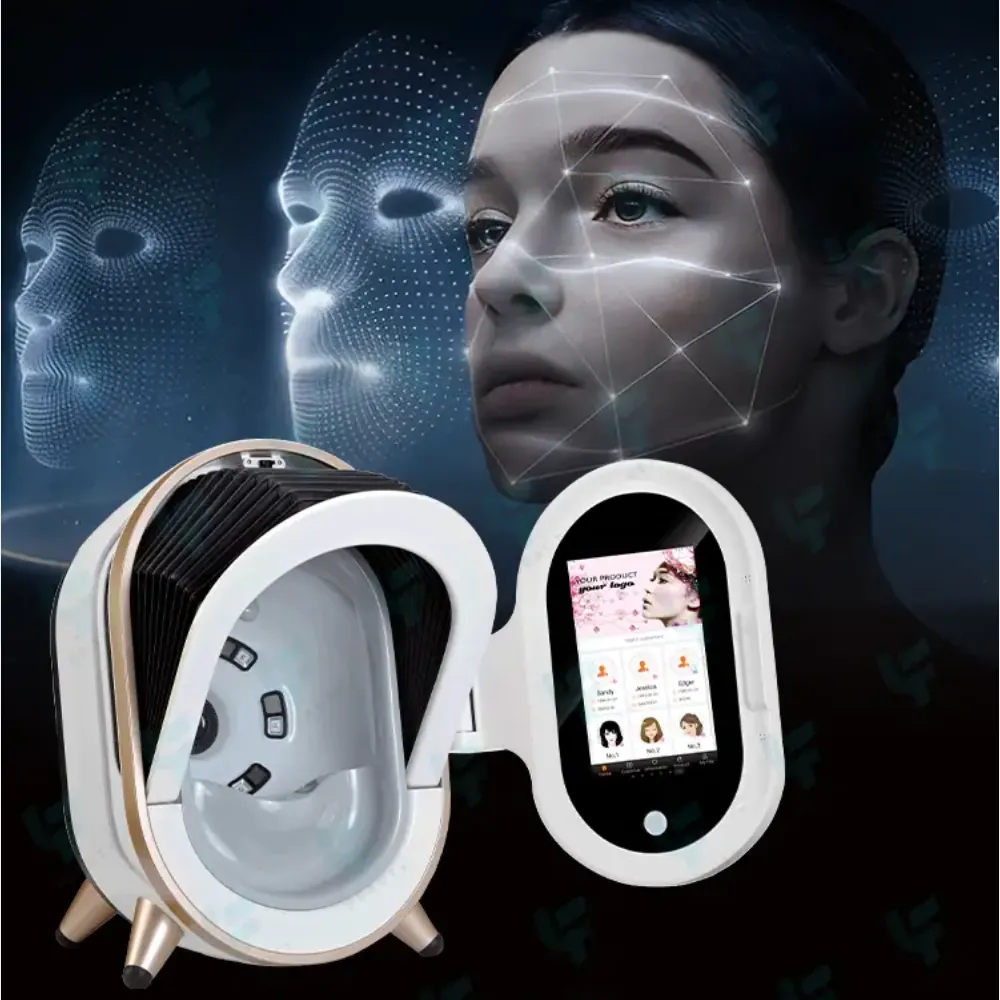
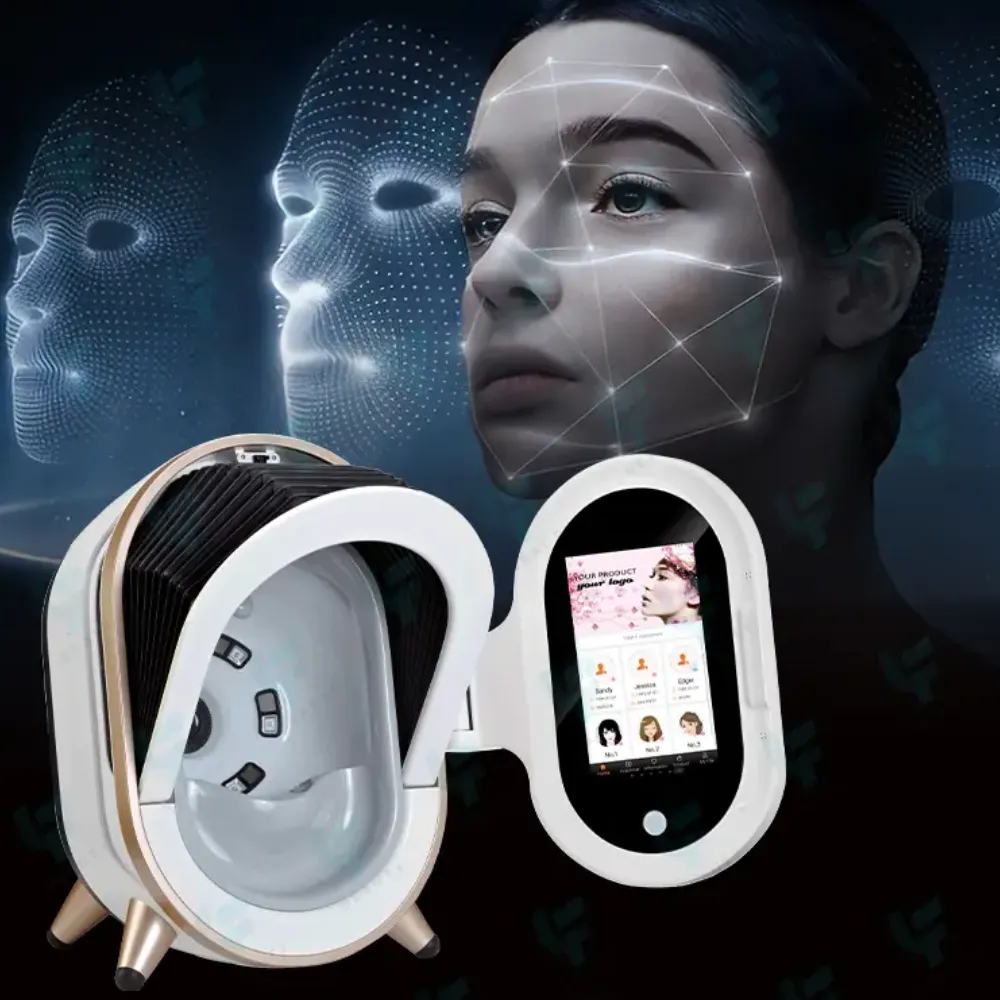
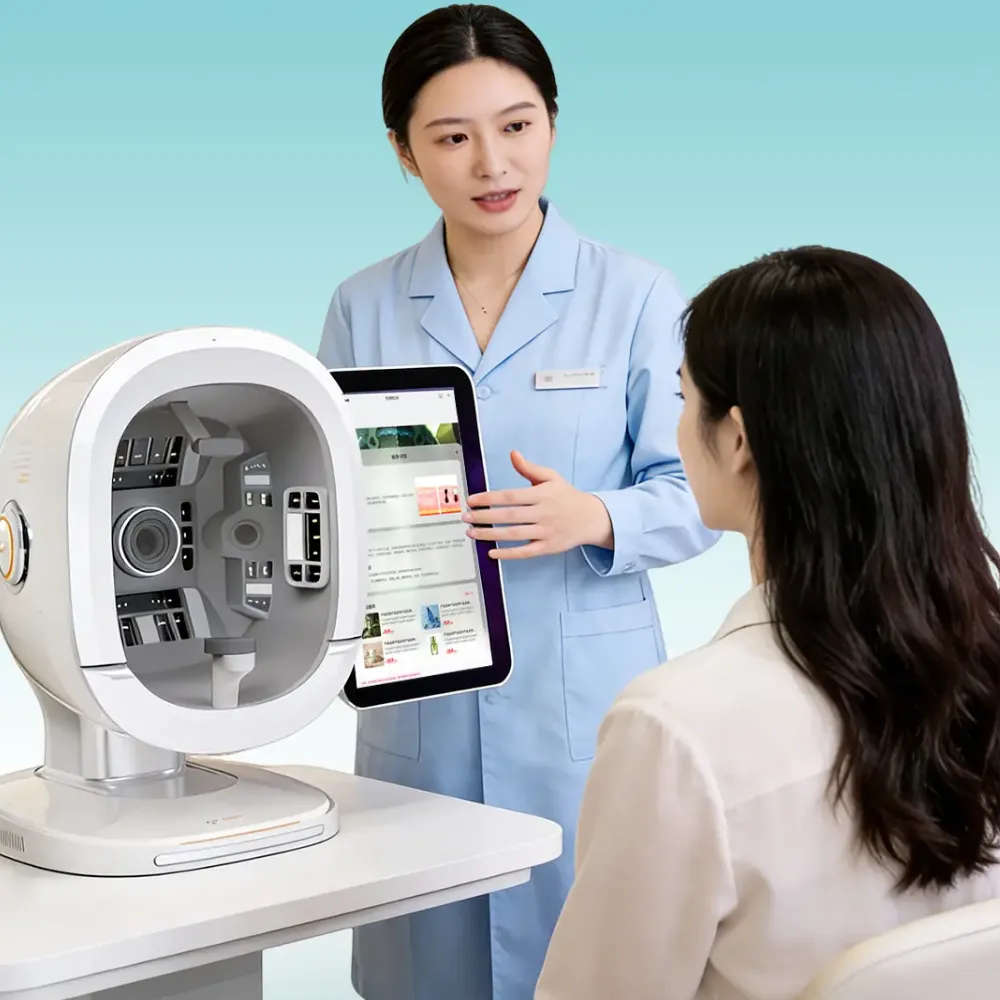
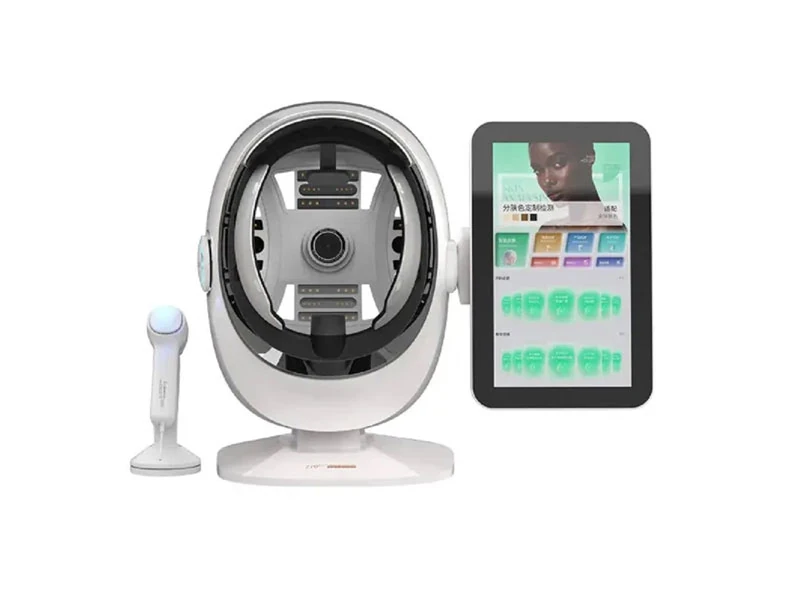
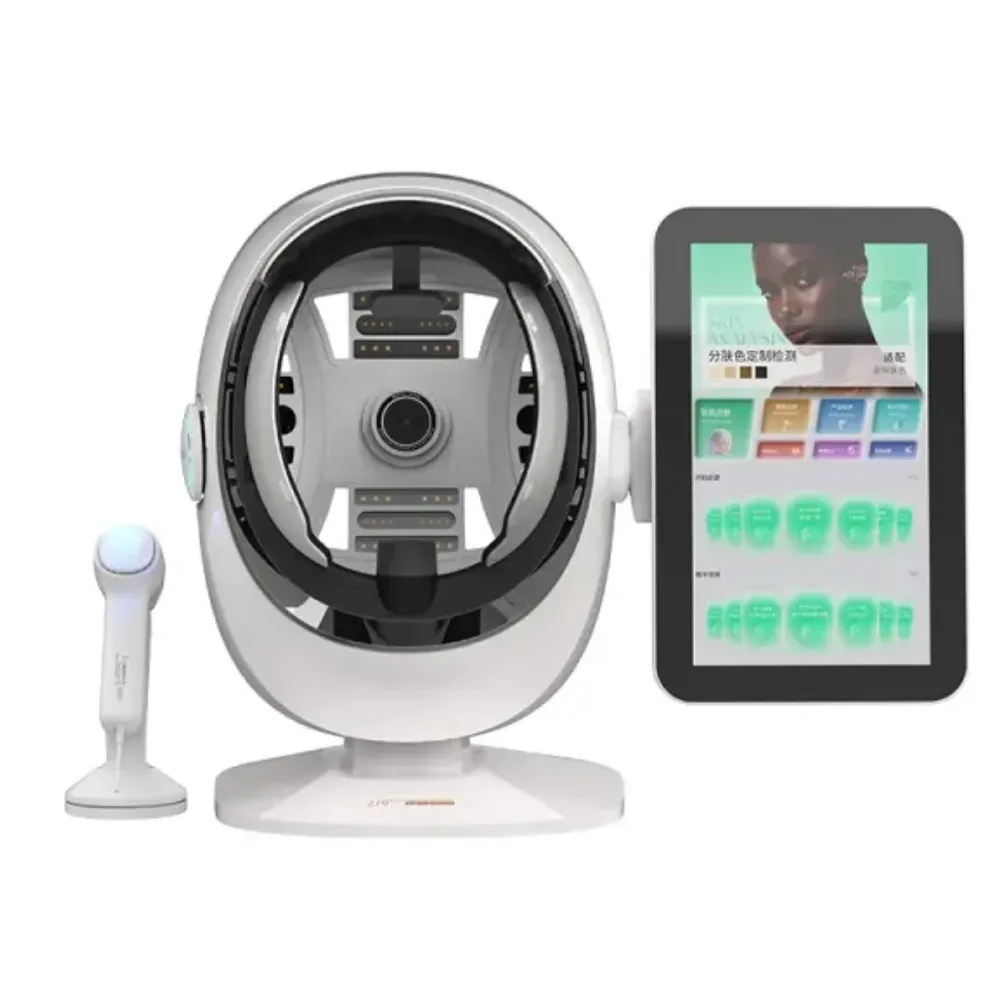
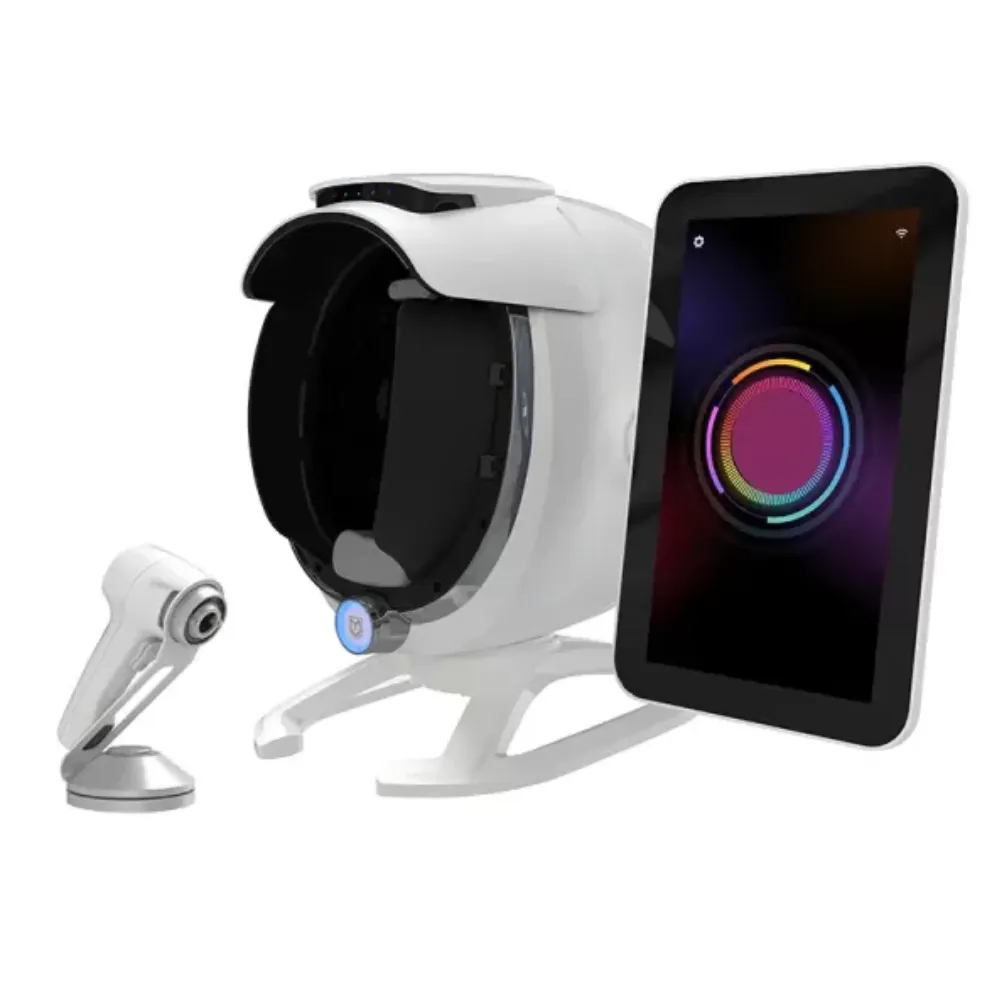
Here, a professional skin analyzer means a fixed camera system used with its software. A skin analysis app means software that analyzes phone or tablet photos. The groups can overlap: an app may link to hardware, and a fixed system may use AI skin analysis.
Start your skin analyzer vs app test with the skin features you want to record. A view of skin texture, a UV photo, and a moisture-probe reading come from different tools. Scores can share a name yet measure different things.
Explore the skin-analysis equipment range to build a shortlist, then request each model’s capture methods and sample reports.
| Decision Point | Dedicated Imaging System | Selfie-Based App |
|---|---|---|
| Image input | Camera and lighting defined by the model | Phone or tablet camera; supported devices vary |
| Positioning | May have a chinrest or face rest | Guided pose and user setup; inspect the actual tool |
| Special lighting | UV or polarized modes only where documented | A normal selfie does not contain separate UV exposures |
| Outputs | Model-specific images, scores, and reports | App-specific estimates, scores, and reports |
| Access | Equipment location and staff workflow matter | Remote capture may be possible within supported terms |
| Evidence needed | Exact model, feature, protocol, and population | Exact app version, feature, protocol, and population |
For example, Canfield’s VISIA documentation describes standard, cross-polarized, and ultraviolet (UV) lighting. Those are the maker’s stated features; check which modes each professional skin analyzer has. Check the model and what comes with it before you compare.
Cross-polarized imaging uses filters in the light and camera path to cut surface glare. A UV photo uses light that differs from the light in a normal selfie. In a skin analyzer vs app demo, ask to see the source photo behind each score.
A skin analysis app may use a photo to estimate a skin feature. That doesn’t turn the camera into a direct moisture or oil sensor. Keep your skin analyzer vs app choice tied to what the camera saw, not the length of a report.
Ask what “accurate” means before you trust a rate. Do two tools agree? Does one tool give stable scores? Does it find disease? Each test asks a different question. Keep each of those claims separate in your skin analyzer vs app test.
In Cook and colleagues’ 2022 study, researchers studied 50 patients from skin clinics. They compared an app for a tablet or phone with a camera booth linked to a computer. The reported overall agreement was 67.7%.
The same study found these agreement rates by feature:
| Feature | Agreement Between the Two Systems |
|---|---|
| Texture | 72.0% |
| Pores | 68.2% |
| Redness | 64% |
| Wrinkles | 67% |
Those rates describe the two systems in that study. They don’t show how well either tool detects disease. They also don’t prove that a skin analysis app can replace every professional skin analyzer.
The paper’s record lists grant support from Perfect Corporation. Its abstract also doesn’t give the exact software version. Use the study to ask better skin analyzer vs app questions. It can’t rank all tools sold today or show that one group always wins.
A separate 2023 VISIA study by Henseler studied 19 people using the same photo steps. They took repeat photos and came back after four weeks. The author found that absolute wrinkle scores varied less than percentile scores.
Ask which kind of score your report shows. This study doesn’t tell you how much a client’s skin must change to prove a treatment worked. For skin analyzer vs app tracking, save the score type with the photo, software version, and setup notes.
The Perfect Corp. AI Skin Analysis V2.1 guide lists raw scores apart from screen scores. The guide says the screen scores are adjusted to give more favorable results.
That is how this product works. Check the score rules for each skin analysis app you test.
If you plan to use AI skin analysis for follow-up, ask which scores you can save and whether an update changes what they mean. A professional skin analyzer needs the same checks. For skin analyzer vs app use, a clear score guide tells you more than the label on the box.
Ask for studies on the skin features and skin tones you see in your practice. A wrinkle study can’t prove results for skin color changes or all groups of people. If the evidence is missing, leave that feature out of your choice rather than trust a sales claim.

Choose the job first. Then choose the tool. For a first clinic record, a professional skin analyzer may fit if its photos and records meet your needs. For remote skin-care discussions, a skin analysis app may fit if clients can take clear photos and staff can explain the limits.
Your skin analyzer vs app choice can combine two tools for AI skin analysis. You might use remote photos before a visit and a fixed camera setup during the visit. Label the source of each record. Don’t join scores from different systems into one trend line unless studies support that use.
Fictional buyer example: Daniel Brooks manages a clinic with three staff members and wants photos between visits. They trial a skin analysis app for remote check-ins while keeping clinic images as a separate record. During the trial, one client sends a backlit photo; staff request a new image instead of treating the changed score as progress.
Daniel’s skin analyzer vs app choice leads to a rule: each record shows its source and photo setup. Their professional skin analyzer stays part of the clinic visit, while remote photos support a different chat. This made-up case shows a process, not real treatment results.
AI skin analysis should help staff explain what they see and what they still don’t know. It should not pressure clients into treatment because a skin-age or beauty score looks bad. Ask the seller if staff can see the source photo and question a score that looks wrong.
For a skin analysis app, test the actual phone models your clients use rather than just the seller’s demo phone. For a professional skin analyzer, let your own staff set the pose and find the saved record. A skin analyzer vs app demo is more useful when your team does the daily tasks.
Think about poor photos, too. Can staff spot a poor photo, explain the problem, and try again? A warning that a photo is too poor to score can help more than a number with no clear meaning. Your skin analyzer vs app trial should test what happens when a photo fails.
This is a buying trial. It isn’t a clinical study. Use it to find problems and questions for the seller. AI skin analysis still needs studies that support each stated use.
Use the same task sheet for both tools in your skin analyzer vs app trial. Ask staff to take a set view of the face, find the source photo, and save the score you need. Don’t accept a polished demo as proof that your team can do those steps.
Perfect Corp.’s guide calls for good focus, even light, and a straight-on pose for its selfie tool. A skin analysis app still needs clear photo steps. A professional skin analyzer needs its own guide, too; a chinrest alone doesn’t prove that repeat photos will match.
Before starting the skin analyzer vs app trial, write down what your practice needs the tool to do. You might require saved original photos, a clear score guide, and warnings when a photo is poor. Those are buying rules. They don’t prove that a score shows whether a treatment worked.
Test how you get and keep records as part of your skin analyzer vs app choice. Ask who can see photos, where the provider uses and stores them, how long they stay, and how to delete them. Ask if the provider also uses those photos to train models.
For a skin analysis app and any linked equipment, ask for written answers and try the controls. Get the right consent for trial photos. Only the trial team should have access. Do not assume that AI skin analysis runs locally or that buying hardware keeps data off the cloud.
A professional skin analyzer can fail your needs if you can’t open records once a license ends. A phone tool can fail if clients can’t follow the capture instructions. Check both risks in your skin analyzer vs app trial before you sign an order.
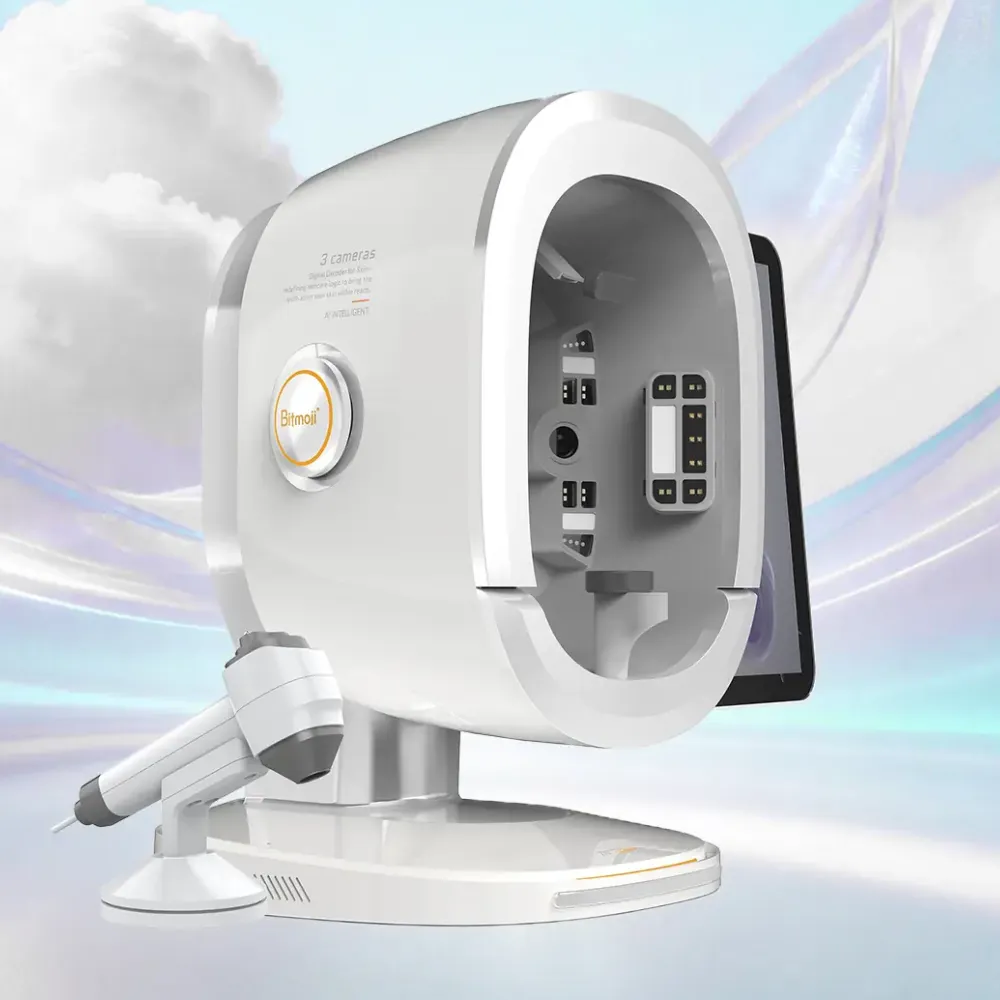
Compare the same time span and set of services. A professional skin analyzer quote may include equipment while leaving computer, software, or support items separate. A skin analysis app price may cover one user or a set scan count rather than all your clinic’s work.
For a fair skin analyzer vs app budget, ask for written prices for each item you need. Keep unknown costs marked unknown; a blank line does not mean free. Include the cost of staff time using your own pilot results rather than a claim that a tool saves time.
| Cost Group | Questions for Either Supplier |
|---|---|
| Setup | Which hardware, setup, staff training, and links to other tools come with it? |
| Recurring use | Are there monthly fees, scan limits, storage fees, or paid updates? |
| Daily work | What does your trial show about capture, retries, review, and record handling? |
| Support | What training, repair, response, and replacement terms apply in writing? |
| Exit | Can you save source photos and scores, and open them once the plan ends? |
You can build a skin analyzer vs app cost sheet without guessing prices. Use setup cost + recurring fees over the chosen period + staff time + quoted support and exit costs. If you use both tools, include both costs and the work to keep their records apart.
AI skin analysis tells you what a tool does, not what it costs to run. Ask if updates, more users, and saved files change the price. For any professional skin analyzer, check the model, parts, shipping terms, and papers needed in your market before you order.
Need to compare the service scope? Ask about training and support terms for the model on your list. A skin analysis app supplier should answer the same workflow and data-access questions.
You can also review LufenBeauty’s company background when you check the supplier. A company profile doesn’t replace a model guide or written terms. Complete the skin analyzer vs app decision using the package you would receive, not a broad company promise.
The best fit is a skin analysis app with studies, photo controls, and data terms that fit your use. Test your actual workflow before choosing. A brand name alone cannot settle the skin analyzer vs app comparison or prove results for all the clients you serve.
You can use online tools for skin-care photo insights within their stated limits. They do not replace care from a skin doctor. Keep remote AI skin analysis records distinct from clinic records, when they use different photos or score methods.
Results depend on the tool, feature, group of people, and photo steps. Ask for studies on those points. In the 2022 comparison discussed above, agreement between the tested systems was 67.7%; that figure is not diagnostic accuracy for AI skin analysis as a whole.
It is a system that uses software to analyze skin images and give scores or reports. It may be a professional skin analyzer with dedicated imaging or software working with a phone camera. Check the photo source, what the score means, and the stated use before you trust it.
It can replace a task only if its inputs, evidence, records, and workflow meet that task’s needs. A normal selfie doesn’t supply a separate UV exposure. In a skin analyzer vs app trial, test the exact work you need rather than assuming that matching score names mean matching features.
A cosmetic score can’t tell you that you have skin cancer or rule it out. The American Academy of Dermatology advises seeing a skin doctor for spots that are new, different, changing, itching, or bleeding. Don’t let a good cosmetic score delay care. A tool that claims to diagnose disease needs studies and any local clearance required for that use.
The useful choice starts with your purpose. Select dedicated imaging when its photo methods and records fit your clinic’s needs. Consider a skin analysis app when remote skin-care insights fit the task and studies support that use.
Then test both options on the same written brief. Review source images, repeat captures, score meanings, staff handover, export, and full costs. Keep the trial focused enough that your team can explain why a tool passed or failed your buying rules.
A professional skin analyzer does not earn trust through hardware alone. AI skin analysis does not earn it through a long feature list. Clear photos, studies that fit, useful records, and honest limits give you sound reasons for your choice.
For your skin analyzer vs app shortlist, request model specifications and a written quote. State the work you plan to do, records you need, your market, and questions about software and support. Ask the app provider to quote for the same tasks. Then choose the tool your team can use and explain.