Skin Analysis Software Data Privacy: Clinic Guide
Skin analysis software data privacy starts with knowing where images go, why they are used, who can access them, and how each copy is removed....

A skin analyzer supplier checklist should verify seven things before you commit: the seller, model documents, demonstrated setup, software and data rights, support, delivery terms, and acceptance records. Ask for evidence you can save, test, and attach to the order.
A convincing demonstration means little if the delivered machine has different software. For a clinic buyer, that gap can change how staff capture images, share reports, or retrieve client records. Comparing brochures alone won’t tell you who must fix it.
You need a way to compare promises without having to check every technical or legal detail alone. This guide links each buying question to a file, a test you can watch, and a person who must answer. It also includes a record sheet and a message you can send to suppliers.
Start by checking who sells the machine. Test the quoted setup, then agree on shipping and sign-off terms. These are suggested buying checks, with links to official guidance where it applies. They don’t prove that a device is accurate, lawful to sell, or reliable in use.
Key Takeaways
- Match the contract, invoice, payment recipient, and product identity before releasing a deposit.
- Record the exact model, software version, included functions, and files produced during the demonstration.
- Test data export separately from report printing, and document what happens when the account closes.
- Give each unresolved requirement an owner, deadline, evidence reference, and agreed remedy.

Check 1 is about knowing who owes you what. Ask the skin analyzer supplier to name the seller, skin analyzer manufacturer, software provider, and service provider. These may be different businesses, so record their roles rather than assuming one company does everything.
Compare these records before you pay:
If names differ, ask why and request proof of the link between the companies. Check changed bank details through a contact route you already trust.
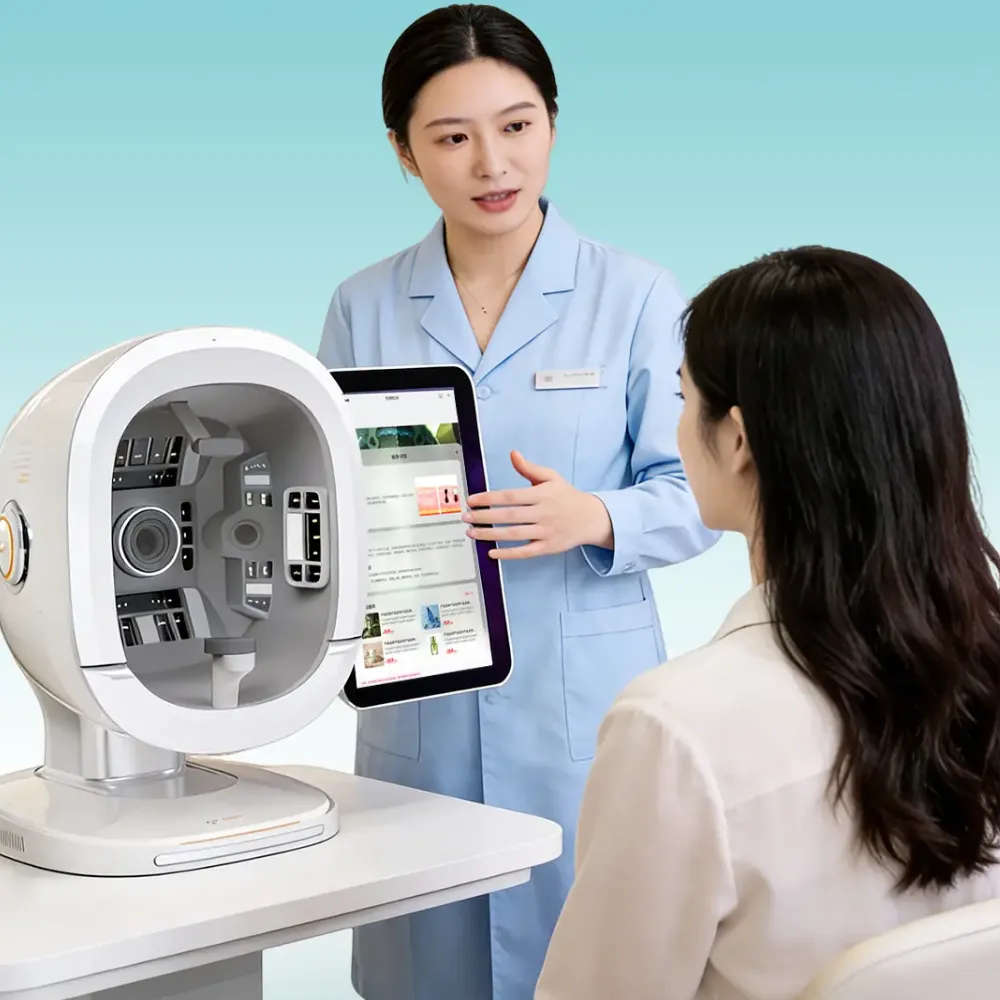
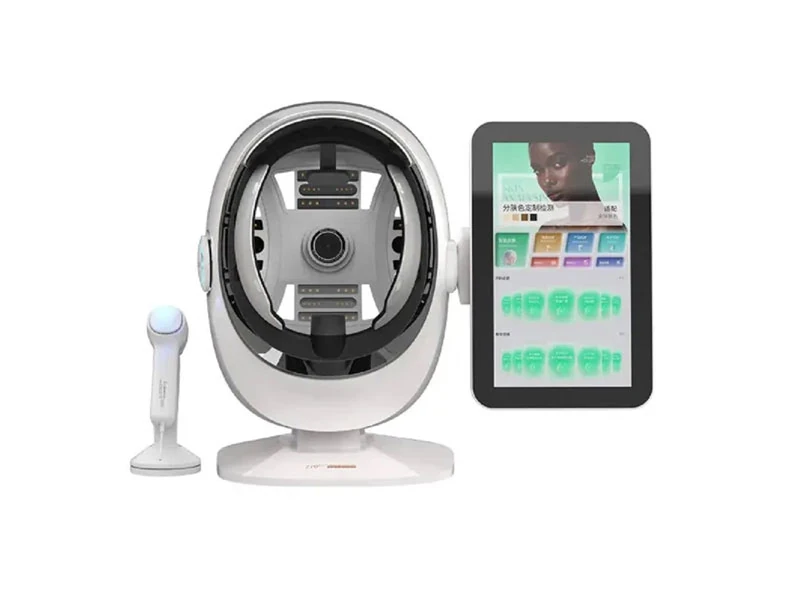
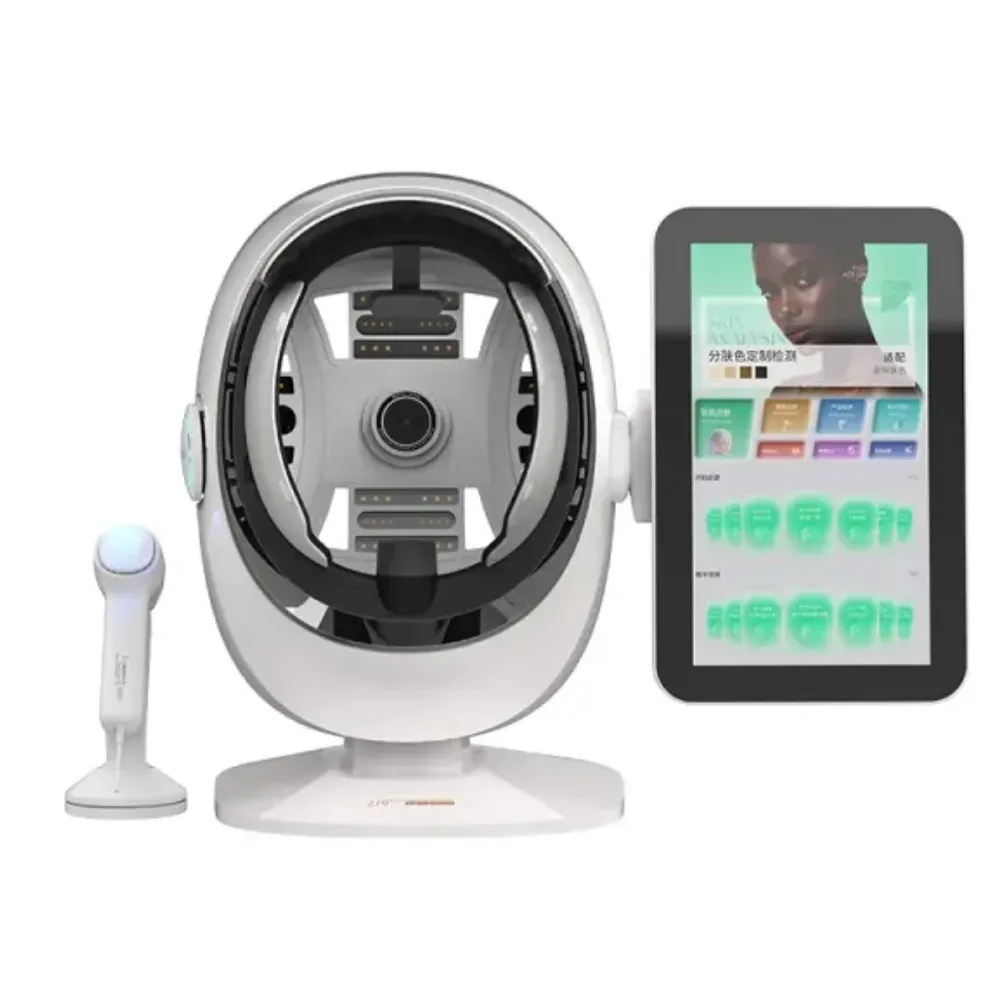
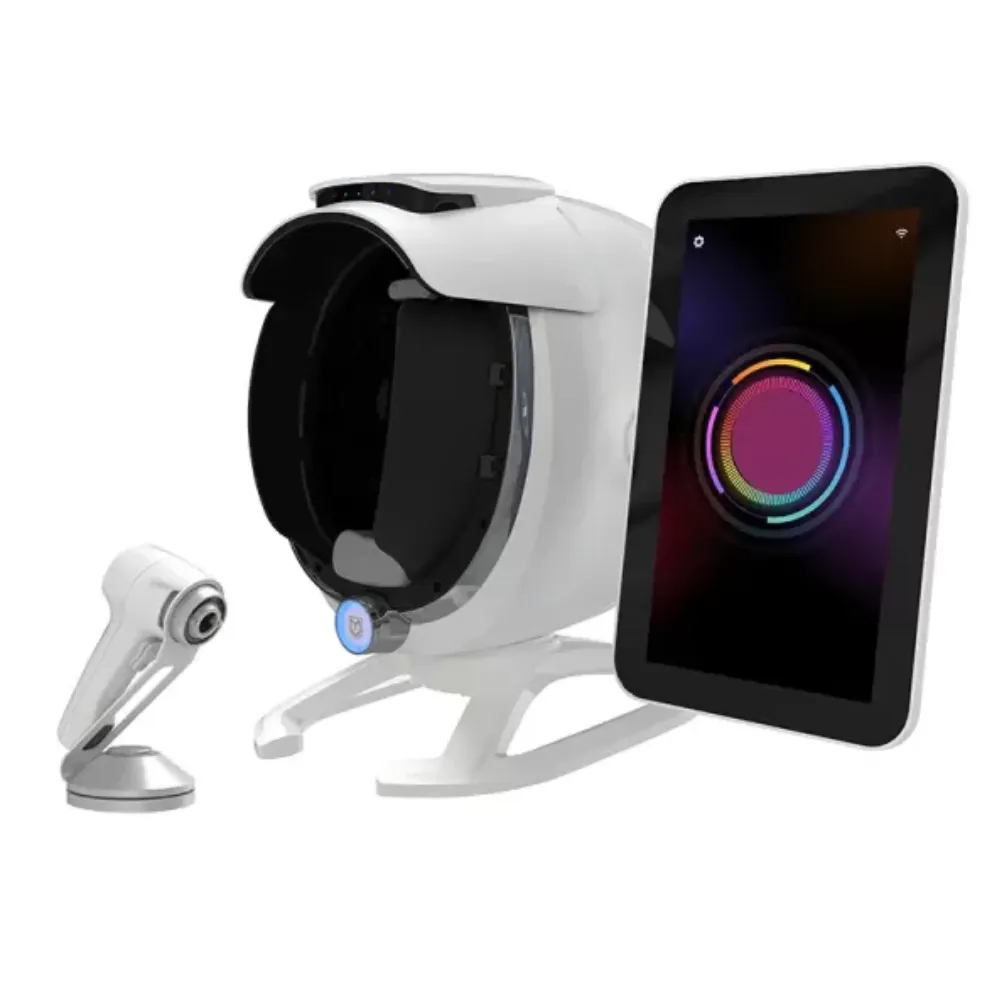
For a LufenBeauty shortlist, Explore LufenBeauty’s skin-analysis range, then request the exact model and configuration. The company profile displays Hebei Lufen Technology Co., Ltd.; a website name alone does not verify company registration, factory ownership, or a bank account.
Check 2 ties the files to the product you plan to buy. Ask for:
Match the maker and model names across the files. Check any annex that lists which versions they cover.
The FDA’s registration and listing reminders explain that registration or listing does not denote approval, clearance, or authorization. The FDA also does not issue medical-device facility registration certificates. A registration screenshot therefore cannot establish a claim of FDA approval.
For relevant European markets, the European Commission’s CE guidance explains the manufacturer’s responsibilities for conformity assessment, technical documentation, and declarations. CE marking is not EU safety approval, and not every product requires it. Establish the applicable rules for the exact intended use rather than assuming every professional skin analyzer is a medical device.
Illustrative Scenario (Fictional): Alex, a clinic buyer comparing two quotations, notices that a demonstration uses a different software name from the order sheet. Alex asks both sellers to identify the software provider and included edition. One sends a corrected quotation and licence schedule; the other leaves the question unanswered. Alex keeps that second offer on hold.
The outcome is a clearer shortlist, not proof that either device works clinically.
Check 3 asks whether the quoted functions can be shown on the offered setup. Send your demonstration plan ahead of time. Use a consented volunteer or suitable test records, and agree on privacy arrangements before sharing images.
A useful demonstration follows a sequence your staff can repeat:
Keep dated screenshots or recordings only with permission. Log the operator, settings, file names, and observations beside each requirement. A statement such as “export completed” is less useful than a file you have opened on your own computer.
You might ask for three repeat captures to learn the steps. This is a buyer exercise, not a formal accuracy study or a required sample size. Similar scores do not prove the system measures skin correctly. Ask for evidence that fits each claim and the intended use.
Attach the agreed setup to the order. Record:
Ask how the supplier will seek your consent for changes. Keep the first quote when a new one arrives.
If the machine arrives with a newer version, check the features again. A higher version number does not prove they are the same. Name the person who will retest exports, report layouts, and user rights. This gives acceptance testing a clear starting point.
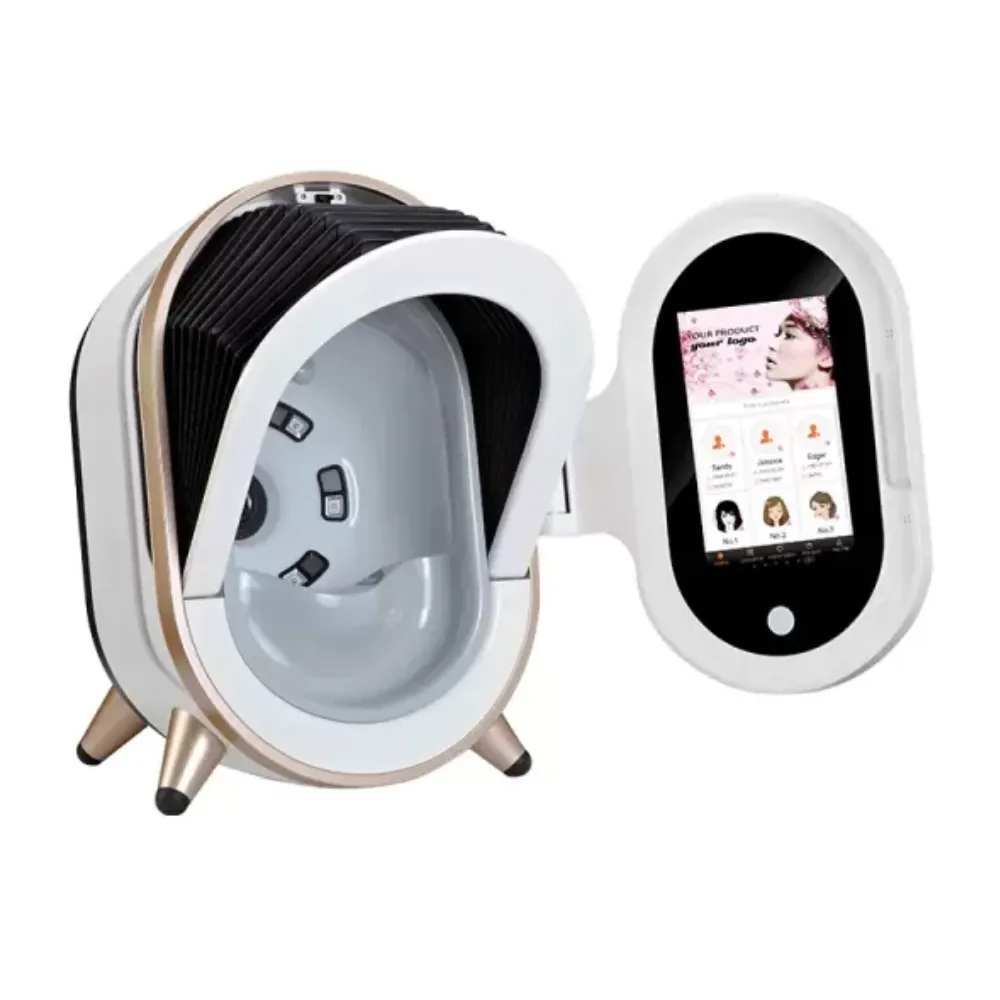
Check 4 covers what you can use and what you can retrieve. A software licence may define users, devices, sites, subscriptions, or transfer rights. Ask which functions remain available if you stop paying, replace a computer, change ownership, or lose an internet connection.
Ask about your data on its own. “Lifetime support” does not tell you whether you can export source images. It also does not tell you if a new computer needs a new licence. A PDF may save a report while the original images and measured values stay inside the system.
Ask for a written software licence schedule. It should state:
Keep unanswered items open. Don’t assume a feature is included because nobody has mentioned a fee.
Request sample files for each record you need:
Try opening the files on your own computer. Ask the provider of your next system to test an import. Getting files out does not prove you can move them into a new system.
For cloud services, ask where the data goes and who can see it. Ask which other companies handle it, how else it may be used, and whom to contact after a breach. Establish who decides why data is used (the controller) and who handles it on their behalf (the processor). Where UK GDPR applies, the ICO’s processor-contract guidance addresses instructions, security, assistance, and return or deletion at contract end.
That guidance is under review following the Data (Use and Access) Act. Apply the current rules to your arrangement, including lawful retention and backup-deletion timing. A supplier’s privacy policy alone does not demonstrate that your deployment complies with applicable law.
Illustrative Scenario (Fictional): Jordan manages records for a two-room clinic and asks for an export during a remote demonstration. The supplier sends a PDF, but Jordan’s planned archive also needs original images and capture dates. Jordan records the gap and requests a second sample before approving the software schedule. The supplier clarifies which files are available.
Jordan can now assess the limitation before purchase, rather than discovering it during a later system change.
Check 5 turns “support included” into an assigned process. Ask who handles diagnosis, account problems, replacement parts, training, and the return to normal operation. A first response and a completed repair are different milestones; request definitions for both.
Use a responsibility table for the quoted order. Add names, costs, and agreed dates after the supplier answers. Avoid leaving “included” beside a service that has no defined scope.
| Service Task | Responsibility to Confirm | Evidence to Request |
|---|---|---|
| Remote diagnosis | Contact, hours, escalation route | Written support procedure |
| Parts and repairs | Labor, components, exclusions | Model-specific warranty terms |
| Repair transport | Packing, freight, customs charges | Written cost allocation |
| Software recovery | Reinstallation and account access | Recovery procedure and fees |
| Staff training | Trainer, language, scope, follow-up | Training plan and materials |
Ask how remote access will be authorized and supervised. Agree on what information the technician needs before sending client records. For training, specify the tasks staff must learn, who attends, and how questions after installation will be handled.
Review LufenBeauty’s training and support information, then ask for coverage tied to your exact order. Public service descriptions are a starting point for questions; confirm exclusions, charges, and responsibilities in writing.
Check 6 starts with a full quote. Ask for separate costs for:
Check the currency and how long the quote is valid. Ask which repeat fees could change.
Agree on the named delivery place, applicable shipping terms, importer responsibilities, and required documents. Distinguish dispatch from arrival and installation. A stock estimate does not resolve customs delays or establish when your clinic can begin using the equipment.
Plan arrival checks before the machine ships:
Agree on who handles each claim and what happens next. Don’t assume you can get a refund, a new machine, or stop payment. Those rights depend on your contract and the law that applies.
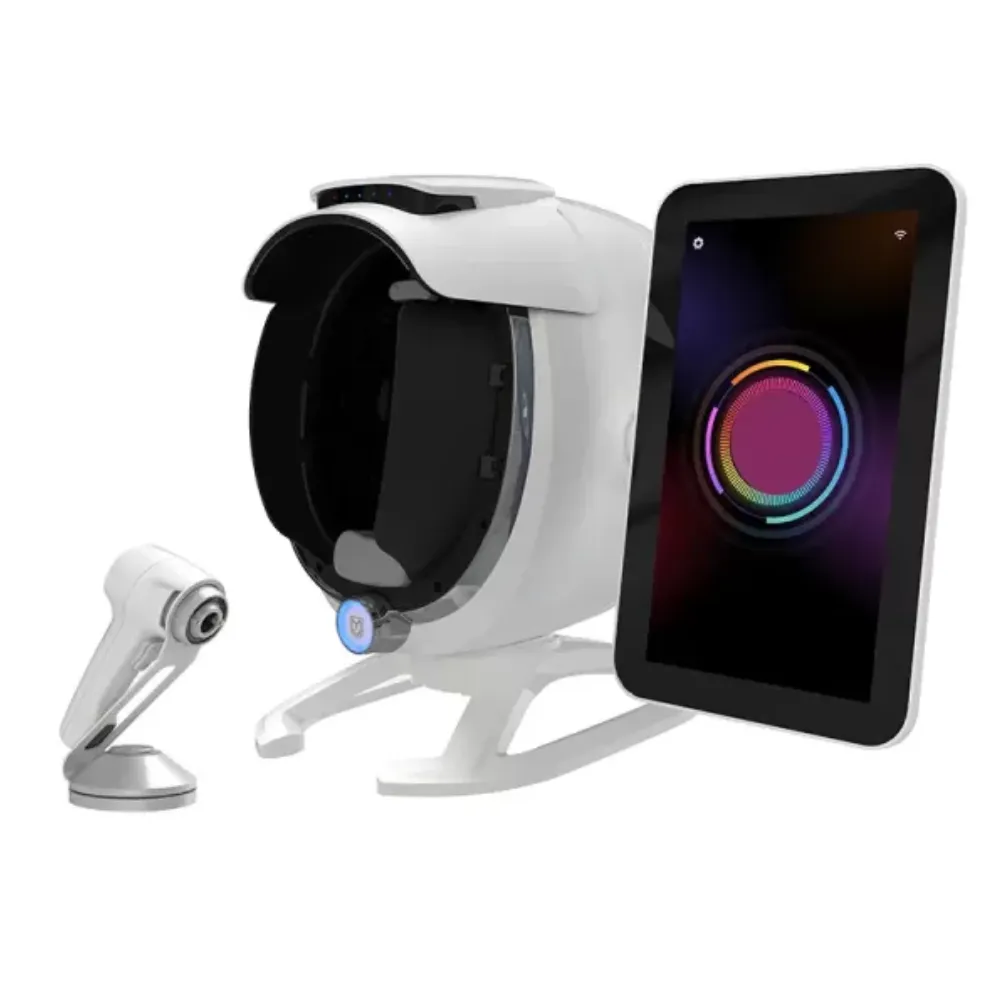
Check 7 connects the earlier checks to a decision. Copy the table into your buying file. For each row, add:
Give each open issue its own note. This keeps a short reply from being mistaken for a complete answer.
The hold points below are terms to agree on before signing. They don’t give you rights on their own. Set out when payments are due, how you check the goods, and how both sides will resolve problems. Some checks come before the deposit; others must wait until the machine arrives.
| Check | Save This Evidence | Proposed Hold Condition |
|---|---|---|
| 1. Seller identity | Contract, invoice, roles, payment details | Unexplained identity mismatch |
| 2. Exact-model documents | Label, manual, intended use, applicable dossier | Documents do not cover offered model |
| 3. Demonstrated setup | Configuration sheet, test log, sample files | Required function not demonstrated |
| 4. Software and data | Licence schedule, exports, exit terms | Required access or export unavailable |
| 5. Support and training | Coverage, owners, charges, training plan | Critical responsibility unassigned |
| 6. Delivery | Itemized quote, shipping and arrival terms | Material cost or delivery duty unclear |
| 7. Acceptance and remedies | Signed criteria, milestones, change process | Required deliverable or remedy unresolved |
Set your must-have terms before you compare extras:
Keep these checks separate from price and optional imaging modes. An extra feature cannot close a gap in a must-have requirement.
When a supplier sends a new file, note what changed and who agreed to it. Keep the earlier version. Check the full file, not just the edited line. A new quote could drop an accessory or shift a freight charge to your clinic.
Adapt this request for quotation (RFQ) to your market, planned use, and chosen model. Remove items you don’t need. Mark which answers need files and which need a live demo.
Please quote the exact model, hardware configuration, software edition, and included accessories for our intended use and destination market. Identify the contracting company, manufacturer, software provider, payment recipient, and service provider.
Please supply the label sample, current manual, applicable product documents, licence terms, sample exports, warranty exclusions, training plan, and itemized delivery costs. Mark any unavailable document or optional feature clearly.
We would like a demonstration against the attached requirements. Please propose acceptance criteria, payment milestones, change approval, and remedies for unmet deliverables. Name the owner and expected date for each outstanding answer.
Illustrative Scenario (Fictional): Casey prepares an opening-day equipment plan with six required deliverables. Five arrive, but the operator training remains unscheduled. The signed order makes training a condition of final acceptance, so Casey records the open item and follows the agreed escalation process. The supplier and Casey set a training date and document the revised milestone.
This example depends on those negotiated terms; it does not imply that every buyer can suspend payment unilaterally.
Request the exact quotation, contracting identity, model documents, software terms, and proposed payment and acceptance conditions. Prioritize evidence that could change your decision to buy. Record what must be supplied later, who owes it, and what happens if it is missing. A brochure alone does not close those questions.
No. FDA registration and device listing do not establish approval, clearance, or authorization. Ask which regulatory claim applies to the exact model and intended use, then verify the relevant evidence. Do not treat a registration certificate offered by a seller as an FDA-issued approval document.
A demonstration can show a workflow and whether specified functions operate on that setup. It cannot, by itself, establish clinical accuracy. Ask for the methods, reference standards, population, and limitations behind a performance claim. Repeatable output and an attractive report are not substitutes for suitable validation evidence.
Only if a PDF meets your actual recordkeeping and future access needs. If you need original images, structured values, or migration, request those separately. Test sample files on your own computer and with the intended destination system. Put any export limitations and charges in the software agreement.
It should explain covered components, exclusions, labor, transport, diagnosis, escalation, and the repair process. Ask who restores software access and whether a substitute machine is included. Compare the complete written scope rather than assuming a longer headline warranty means broader coverage or faster recovery.
A useful buying decision leaves a record another colleague can understand. They should be able to identify the seller, find the documents for the offered model, and see which setup passed the agreed demonstration. They should also know who handles support and what remains open.
Begin with one shortlist and send the same core requests to each supplier. Save their replies against your requirements, test the files you receive, and resolve must-have gaps before comparing optional extras. Assign dates and owners to later delivery tasks so those questions survive the handover from purchasing to operations.
Keep the limits of each piece of evidence clear. A company webpage is not a factory audit; a demonstration is not clinical validation. A warranty headline also needs the coverage and process that make it useful for your order.
To discuss a LufenBeauty option, request model documents and pricing with your intended use, destination, and required files. Use your skin analyzer supplier checklist to turn the reply into a documented next step and an informed purchase decision.