Skin Analyzer Supplier Checklist: 7 Procurement Checks
A skin analyzer supplier checklist should verify seven things before you commit: the seller, model documents, demonstrated setup, software and data rights, support, delivery terms,...

Skin analysis software data privacy starts with knowing where images go, why they are used, who can access them, and how each copy is removed. A deleted report can still leave an image in a backup, an export folder, or a support ticket.
For a clinic or med spa, ask whether the full workflow protects client data. A polished scan screen won’t answer that. You need to inspect the camera, the software account, the report-sharing process, and the services behind them before using real client records in a trial.
This guide makes that review a set of checks you can use before buying. You’ll map the records, separate assessment from marketing and AI training, and test access, export, and deletion. It uses official European and UK guides and keeps each region’s rules distinct.
Use the checklist to request evidence for the exact model and software version on your quotation. It is general procurement guidance, not legal advice or a finding that any product meets your local law. Have the applicable rules and your planned use assessed before launch.
Key Takeaways
- Map original images, skin scores, reports, backups, and support copies separately.
- Assess personal data, health information, and identity-recognition data by their actual use.
- Separate assessment, marketing, image publication, and AI training purposes before collecting images.
- Test staff access, export, deletion, and account closure on the quoted software version.
- Put retention, support access, and exit responsibilities in the written purchase records.
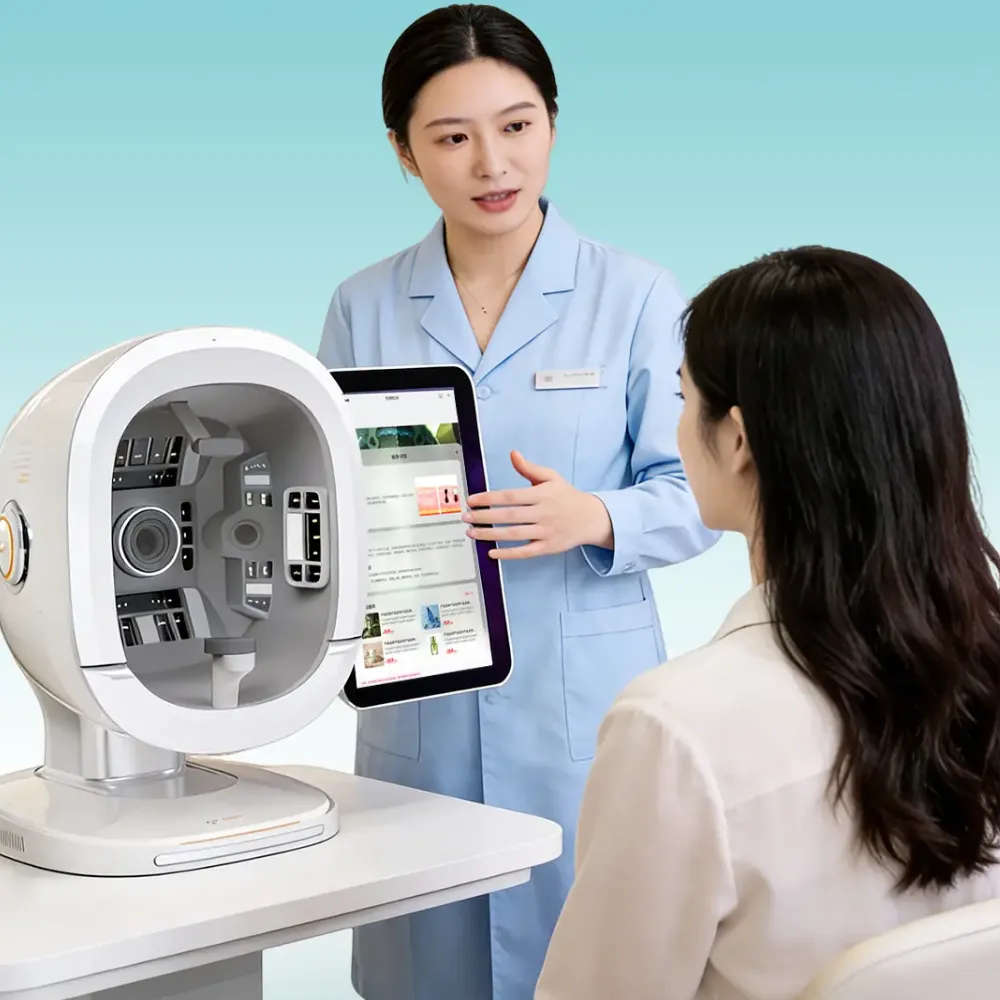
Start with a simple data map. Ask the software provider to show every step from capture to deletion, including any other business that handles the files. A machine in your clinic does not prove that its skin analysis software works fully offline.
The EDPB’s data protection basics explains that photos, client numbers, and information linked to an identifiable person can be personal data. Removing a name is therefore an incomplete check. Ask whether a face, account number, or separate lookup file can still connect the record to someone.
| Record or Copy | Question to Put to the Provider |
|---|---|
| Original facial images | Do they stay on the device or leave it for analysis? |
| Crops and skin scores | Are they linked to a person or account after analysis? |
| Client reports | Where do saved PDFs and shared links remain? |
| Backups | Who holds them, and when do they expire? |
| Support records | Can tickets, screenshots, or remote sessions contain images? |
| Training datasets | Can images or results enter a separate development dataset? |
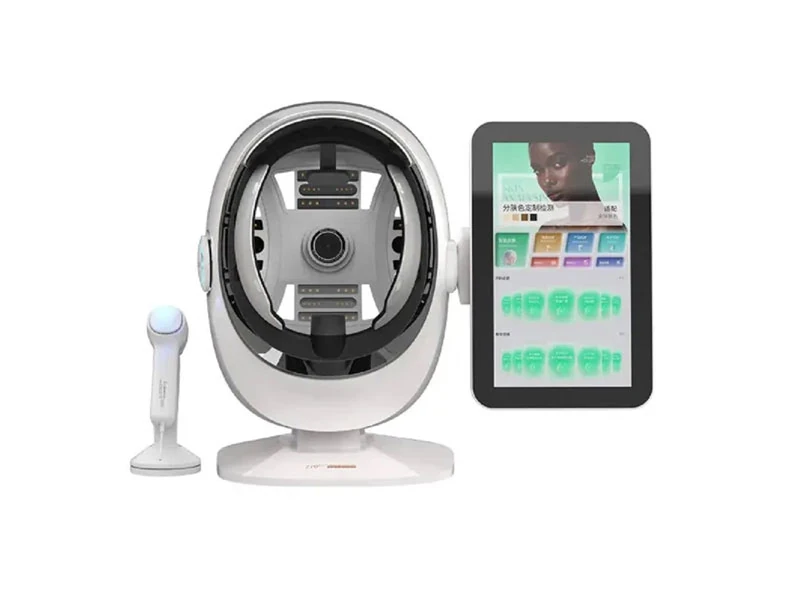
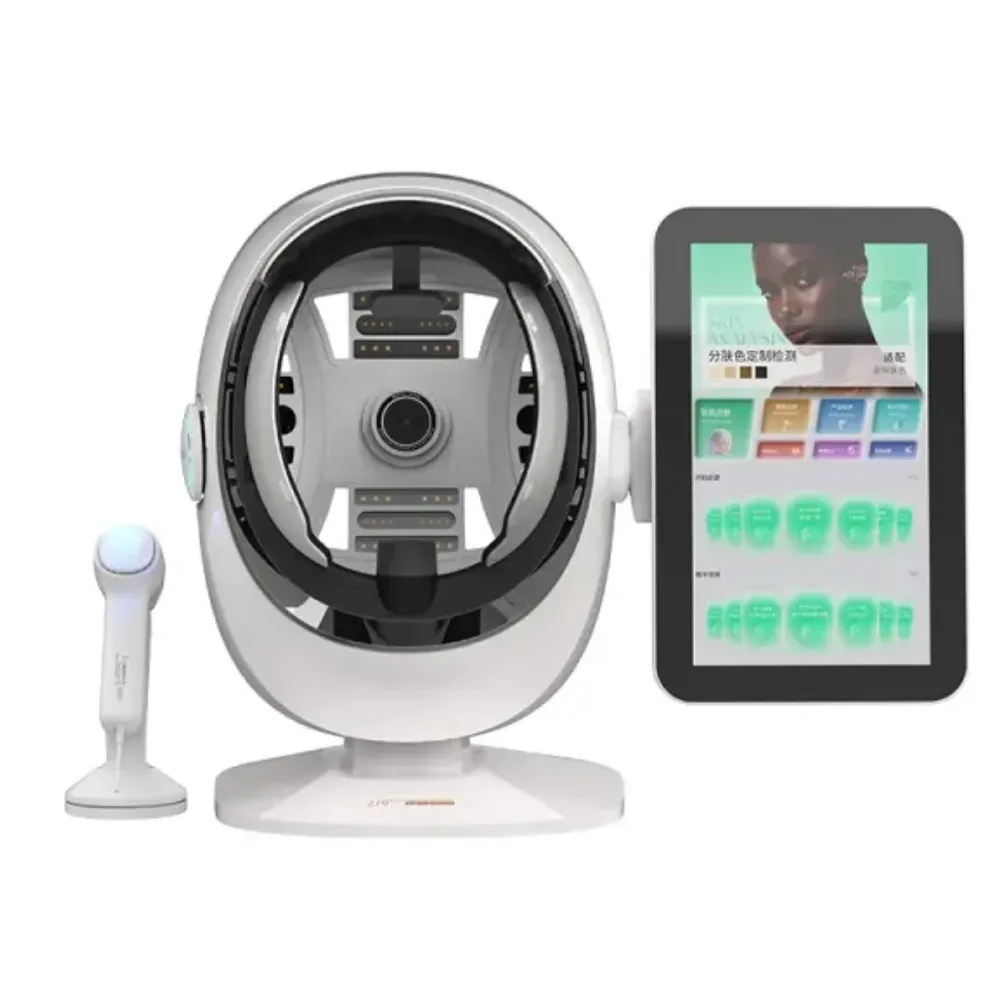
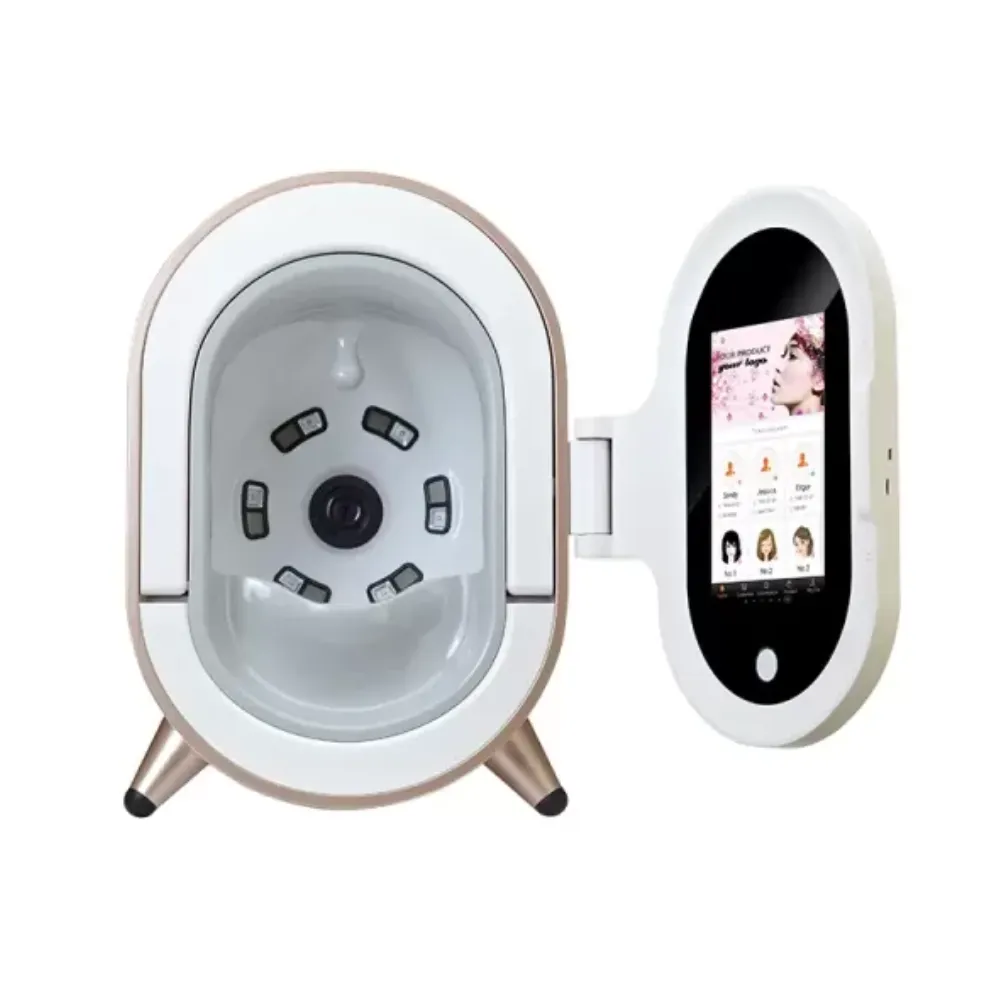
Comparing equipment? Explore LufenBeauty skin-analysis equipment, then request the data-flow details for the model and software on your shortlist.
For each row, keep these facts with your data map:
This includes exports on clinic computers. Review the copies your own team creates as well as the supplier’s files.
Ask staff to follow a dummy record through an ordinary consultation. Check the device folder, account history, downloaded report, and any follow-up message. This makes gaps easier to see than a general question such as “Is the system secure?”
Illustrative Scenario (Fictional): Alex manages a two-room med spa and reviews a demo on November 4. The supplier deletes a test report from the account, but Alex finds a downloaded PDF on the demonstration laptop. They add that folder to the data map and assign someone to clear trial exports. The team now has a record of both the supplier’s deletion step and its own cleanup duty.
A face photo can be personal data without being special category biometric data. In its UK guidance, the ICO explains special category data and the role of specific technical processing and unique identification. Don’t treat a cosmetic score, a face photo, and an identity-matching template as the same thing.
Health data needs its own review. Ask whether the software reveals or infers health status. A pore score needs review on its own terms; a beauty label does not settle its legal status. The purpose and the information produced matter.
The ICO notes that this guidance is under review following the UK’s Data (Use and Access) Act. Check current UK requirements for your operation. For EU use, assess the General Data Protection Regulation (GDPR) and relevant national law separately; UK guidance is not a substitute for that assessment.
List each business and its role in the handling of client data. Check the role for each use, since a provider may also want to reuse records for its own purposes.
| Role to Establish | What to Record |
|---|---|
| Controller | Who decides why and how personal data is processed? |
| Processor | Who processes data on a controller’s behalf? |
| Further providers | Which hosting, analysis, or support businesses handle the records? |
| Clinic owner | Who approves uses, staff access, and the launch decision? |
Ask which activities need a data processing agreement (DPA), and request the applicable agreement and list of further providers. A purchase invoice cannot answer who controls a training dataset. A company address also does not prove where its servers or support staff are.
For US healthcare use, have your adviser assess whether the Health Insurance Portability and Accountability Act (HIPAA) applies. Ask whether a business associate agreement (BAA) is needed for the proposed arrangement. A seller’s label does not settle those questions for your clinic.
Keep the data type, purpose, legal basis, and agreed duties together. If the supplier cannot describe a proposed use, leave that use out of the approved launch scope until it is resolved.
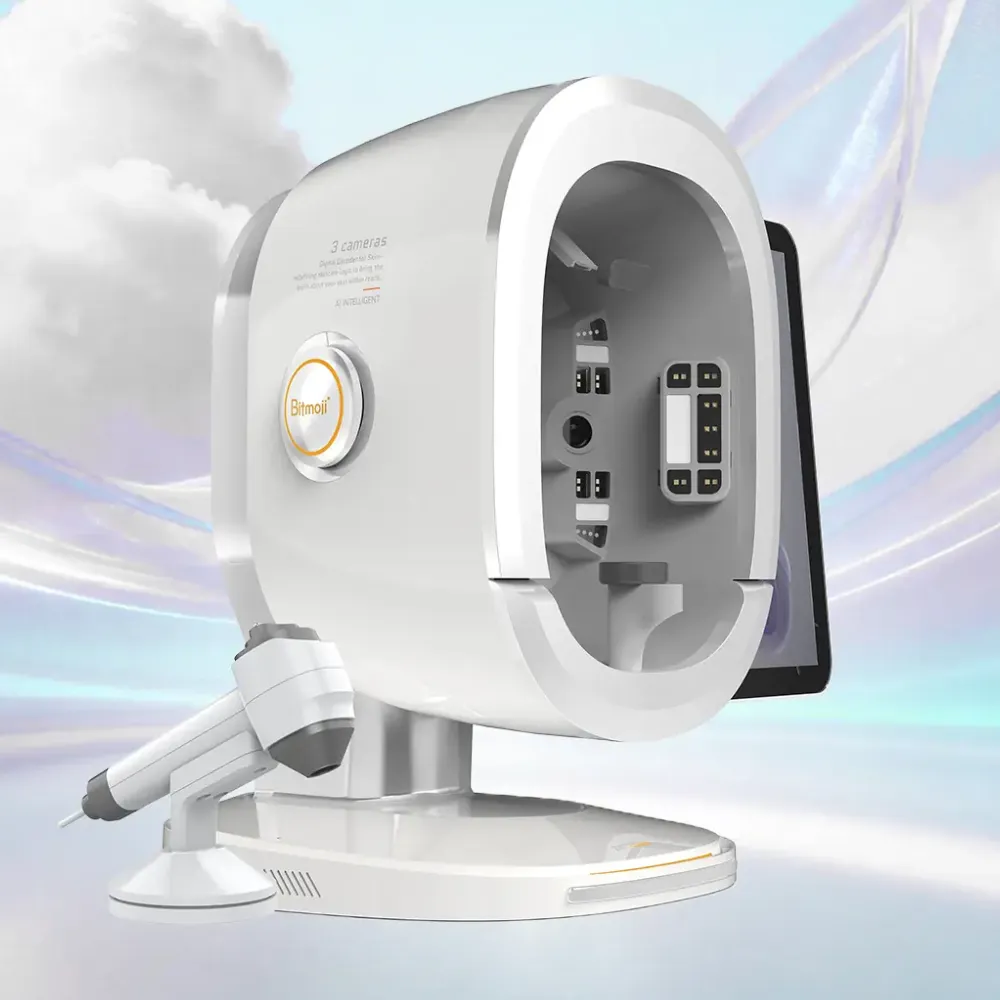
Assessment, progress tracking, marketing, public before-and-after images, and AI training serve different purposes. Write down each purpose before you collect data. Agreeing to a skin scan should not silently grant permission for unrelated ads or AI training.
The EDPB’s lawful-processing guidance describes consent as one possible legal basis. Where you rely on consent, it must be informed, specific, freely given, and unambiguous. Sensitive data also needs an extra legal condition to apply. A legal basis alone does not complete that review.
Build the staff process around clear questions:
A privacy notice explains the use. It does not, by itself, supply every permission or legal basis.
Ask the supplier to separate day-to-day use, fault checks, quality checks, and AI training. Find out whether these uses involve original facial images, crops, scores, or other records. Ask which uses are on by default and which other providers receive client data.
Do not assume that deleting a photo also reverses its use in model development. Ask what deletion reaches, whether training copies remain, and what the provider can demonstrate. Resolve an unwanted training use before sending client images.
Ask for separate staff accounts and a demonstration of permissions. Test what a receptionist, practitioner, manager, and support user can view, change, export, or delete. Include a way to remove access when someone leaves.
For admin accounts, ask about multifactor authentication. This adds another login check beyond a password.
Verify these controls on the offered setup. A brochure cannot show how they work in your clinic.
The EDPB’s guidance on compliance measures describes data protection by design and by default. It also explains that a data protection impact assessment (DPIA) is required where the planned data use is likely to create high risk. Assess your proposed use rather than assuming every installation has the same risk.
Ask how records are protected during transfer and when stored. Request details about encryption, key access, backups, updates, and support access for the skin analysis software. “Encrypted” needs a defined scope: an encrypted server does not explain how a downloaded PDF is protected on a shared computer.
Write a data retention schedule for each record type:
| Record Type | Decision to Document |
|---|---|
| Capture files and rejected photos | Purpose, saved location, and deletion trigger |
| Reports and scores | Follow-up need and applicable recordkeeping duty |
| Exported files and shared links | Authorized recipient, expiry, and clinic cleanup |
| Backups and support copies | Expiry cycle, restricted use, and responsible business |
The data retention schedule should state why you keep each record, when you review it, and who deletes it. Check any legal retention duty or hold before promising erasure. Where backups cannot be edited immediately, ask about expiry, access restrictions, and what happens if an older backup is restored.
Before signing, ask about training and support terms, including how support staff would access the quoted system. Get the privacy duties in writing alongside the scope of support.
Illustrative Scenario (Fictional): Jordan checks a proposed setup for a clinic with five staff accounts. During a trial, a temporary support login can still open a dummy record after the call ends. Jordan asks the provider to demonstrate expiry and a log of the session. The clinic keeps remote access off until that test succeeds, then records who may approve the next support session.
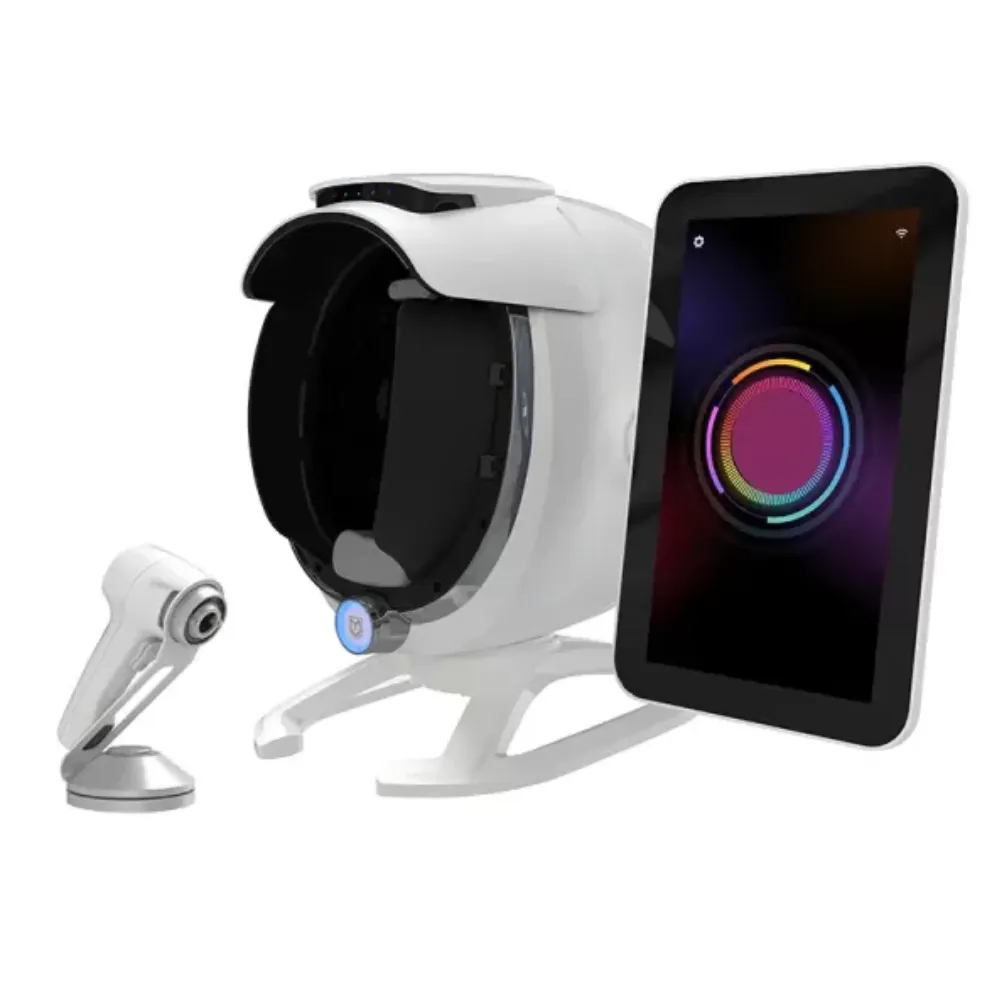
Use suitable dummy records with no real identities for the first checks. Agree on the test data with the provider; don’t upload client photos simply to find out how a demo works. Record the device model, software edition, version, account plan, and date beside the results.
Run these checks with the staff who will use the system:
Keep the test evidence together:
A PDF may save a report but leave the original facial images or structured values behind. Decide which files you need to keep working before you pass the export test.
Include a restore check in an agreed test environment, or request documented evidence if a live restore is impractical. Ask what happens to records marked for deletion when a backup is restored. Keep an untested step open rather than marking the entire process passed.
Separate general purchase answers from privacy evidence. The equipment purchase FAQs can help with broader buying questions; request software-specific documents directly for your shortlisted model.
You can adapt this message:
For the quoted model and software version, please identify where original images, scores, reports, backups, and support records are processed. State each purpose, recipient, access rule, and retention period. Please confirm any AI training use, provide applicable processing terms, and demonstrate export, access removal, deletion, and account closure with dummy records. List any functions or copies that our clinic must manage separately.
Illustrative Scenario (Fictional): Casey compares two software offers before a December clinic opening. Both can print a report, but only one demonstration supplies the agreed image files and capture dates. Casey records the missing export in the other offer and asks for a corrected scope before approval. The decision rests on a tested file set and written exit terms, rather than a general promise to provide data later.
No automatic classification applies simply because the image shows a face. Under the cited UK guidance, the technical processing and unique-identification purpose matter. A photo or linked result can still be personal data, while health inferences require their own assessment. Ask what the system does with each output.
A HIPAA label alone cannot establish suitability for your clinic and workflow. Have applicability and any required business associate agreement assessed for the actual arrangement. Then check the offered controls, contract scope, support access, and your own staff practices before approving use.
Neither location proves that records are safe. Local storage needs access limits, updates, backups, and a plan for loss or theft. For cloud storage, check the providers, places, access rights, and transfers. Test whether the claimed local mode still sends images or results elsewhere.
Do not assume so. Ask whether the scan entered a training dataset, what the deletion process covers, and how the provider handles derived records or model development. Get a written explanation of any limits before allowing that secondary use of facial images.
Verify the recipient, the files included, and the approved sharing channel. Check for another person’s images, unintended notes, or an unnecessarily open link. Record the transfer and explain any expiry. A request for a copy and a request for deletion need separate handling.
A useful privacy review gives your team records they can use. Keep a data map, a purpose and legal-basis assessment, an access plan, a retention schedule, and the results of your acceptance test. Name the person responsible for each open issue.
Start with the exact software version on the quote. Trace original images and derived records separately, then include exports, support copies, and backups. Review how a client’s choices affect assessment, follow-up, marketing, and AI training, without treating them as one permission.
Before launch, show staff how to check recipients, remove access, and escalate a deletion request or suspected incident. Check the evidence again when the provider changes its hosting, terms, or skin analysis software. Use the first test as a baseline for later checks.
To discuss equipment, request model-specific documentation from LufenBeauty and include your proposed workflow. For skin analysis software data privacy, make the purchase decision depend on documented responsibilities and controls you can verify in that setup.